Start here
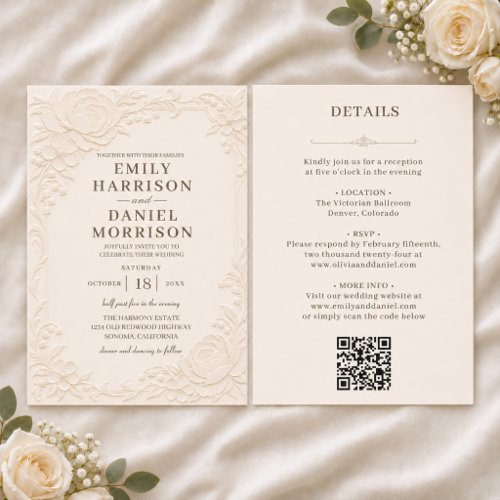
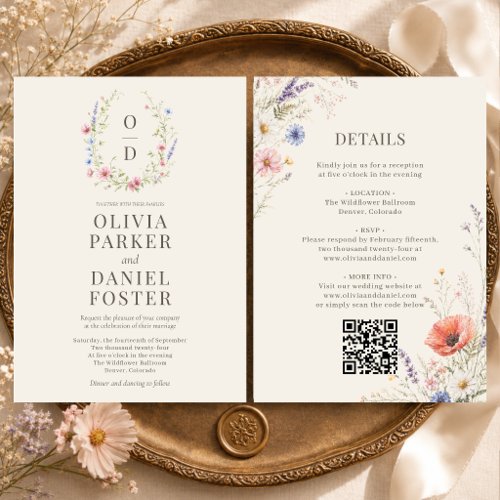
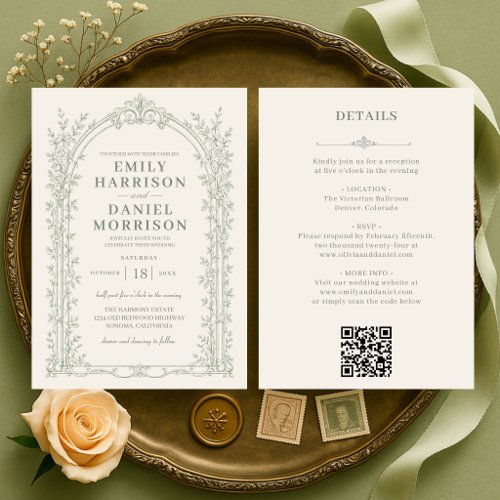
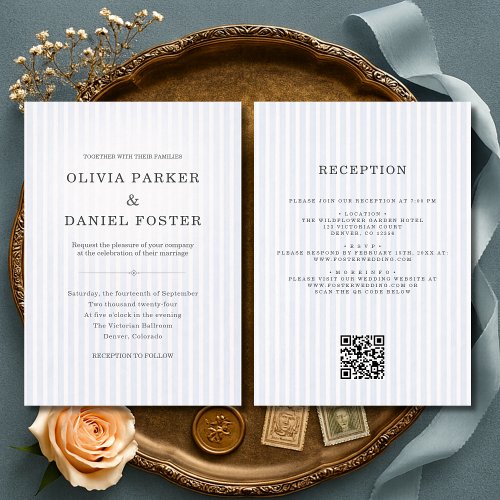
All-in-One and QR Code name the same invitation format at Pretty Girly Designs. Add the address of your RSVP page or wedding website to the QR code on Zazzle. Scan your personalized preview and check that guests can open it.
| Consider | Traditional invitation | All-in-One design |
|---|---|---|
| Main layout | Invitation wording has its own space | More information shares the available layout |
| Extra details | Separate cards or available reverse side | Check the exact editable areas |
| Replies | Choose a card, website or contact | Point the QR code to your reply page and test it |
| Best starting point | Long names, formal wording or several separate pieces | Concise details and a clear online reply plan |
A printed fallback on the RSVP side
Black minimalist All-in-One wedding invitation
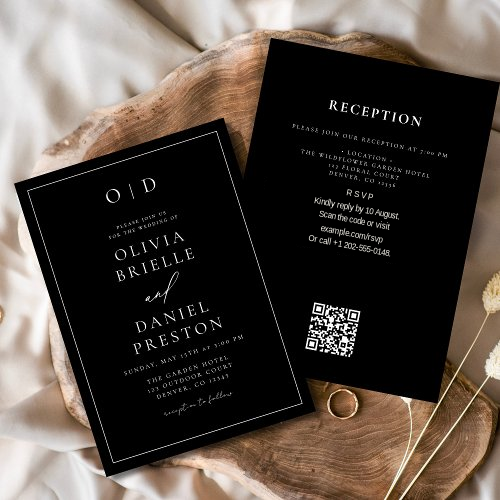
R S V P Kindly reply by 10 August. Scan the code or visit example.com/rsvp Or call +1 202-555-0148.Personalize this invitation (opens Zazzle in a new tab)
The code shown belongs to the original design preview. Set your own guest link in Zazzle and replace the example address and phone number before ordering.
Wedding RSVP proofing checklist
Check the code, printed reply address, deadline and guest response before ordering your invitations.
Copy-ready examples
Wording to personalize
QR code with a short web address
Kindly reply by 15 April. Scan the code or visit example.com/rsvp.
QR code with a text or phone reply
Please reply by 15 April. Scan to RSVP, or call or text Alex at +1 202-555-0142 with your names and whether you can join us.
Give guests a way to reply without scanning
Point the QR field to the guest RSVP form. In an editable text line next to it, print the same short address or a host’s phone number. The examples use fictional contact details. Replace the address, contact and deadline with your own.
For guests abroad, spell out the month and include the country code if you offer a phone reply. If the text looks cramped at print size, choose one fallback guests can read comfortably.
Open your personalized preview on one device and scan it with another. Also type the printed address exactly as shown or try the reply number. Check that a guest can reach the reply form and that you can receive the response.
Look at the exact product
Open the individual All-in-One QR code invitation to check its layout, editable areas and paper options. Review every available side with your names and ceremony details in place.
Give every area a purpose
Keep the main invitation focused on the names and event. Put reply instructions and travel notes where they can be found quickly. If one side is crowded, shorten the wording or move extended information to your website.
Test the QR destination
A printed QR code should open a stable page that your guests can access. Test the personalized code on more than one phone, check permissions and add a short written web address. Confirm the destination again before submitting your order.
Compare with a traditional suite
Separate invitation, RSVP and details cards give you more room and flexibility. An All-in-One can simplify the collection of pieces. Choose based on your guest instructions and available layout rather than assuming one format fits every wedding.
Test the layout with a real guest journey
Imagine a guest receiving the card without any other context. Can they find the ceremony location, reception plan and reply deadline in a few seconds? If every line competes for attention, move the longer instructions to a details card or website.
For a QR design, use a stable destination and scan a proof at the intended printed size. Test on more than one phone and include a readable web address where the layout permits. Confirm that guests can reach the RSVP page without needing an account you did not intend them to create.